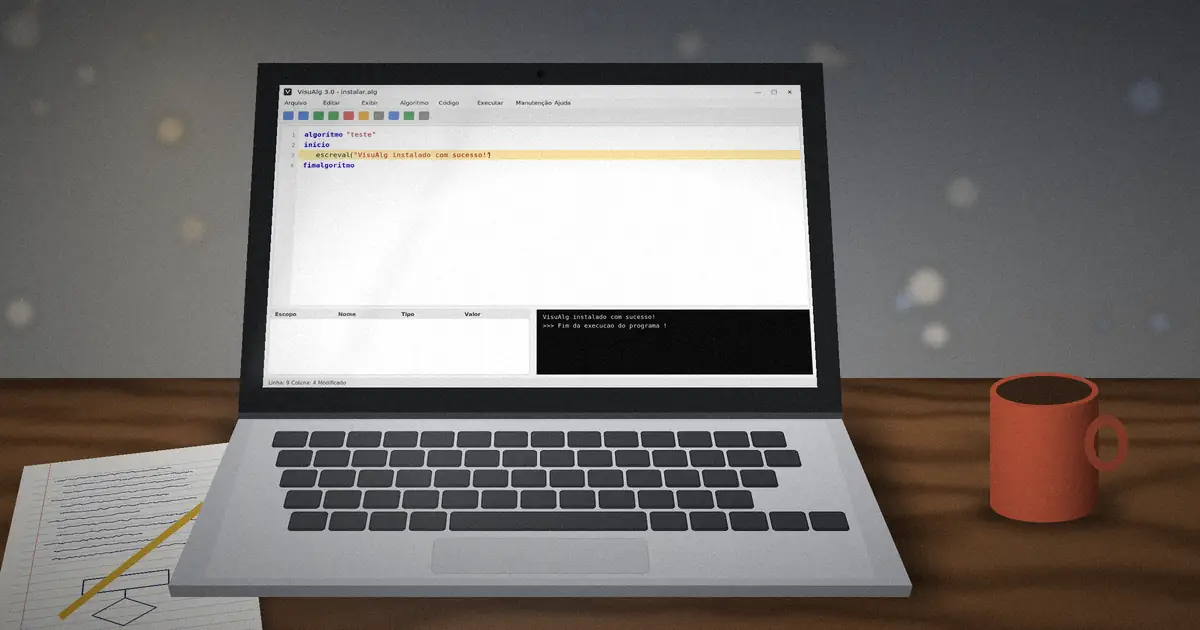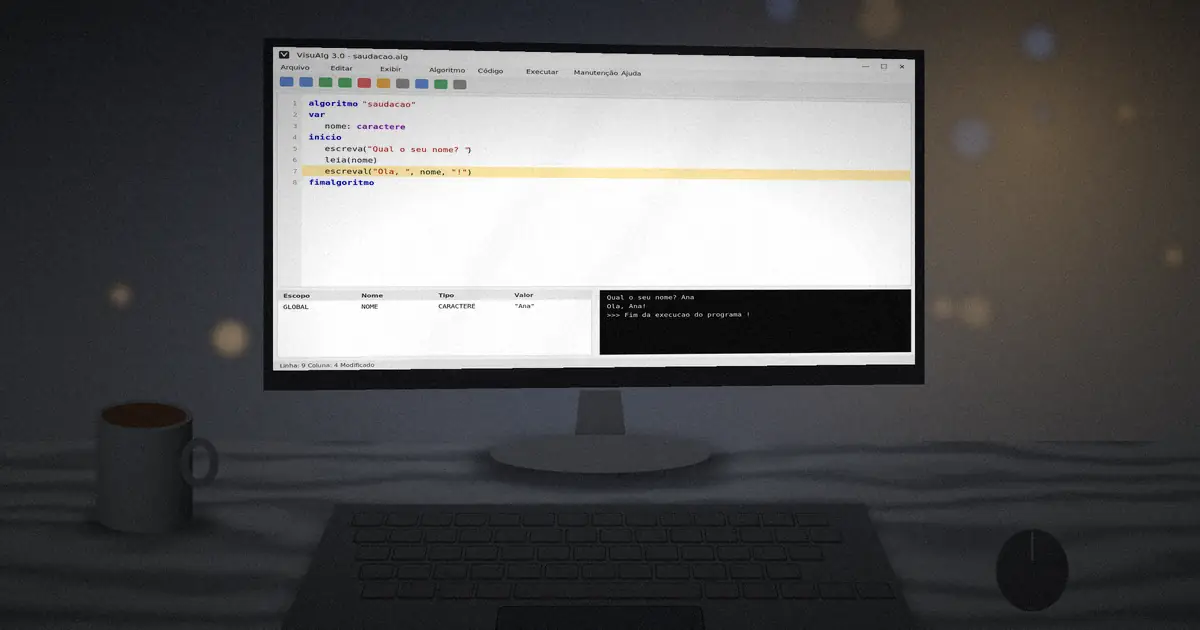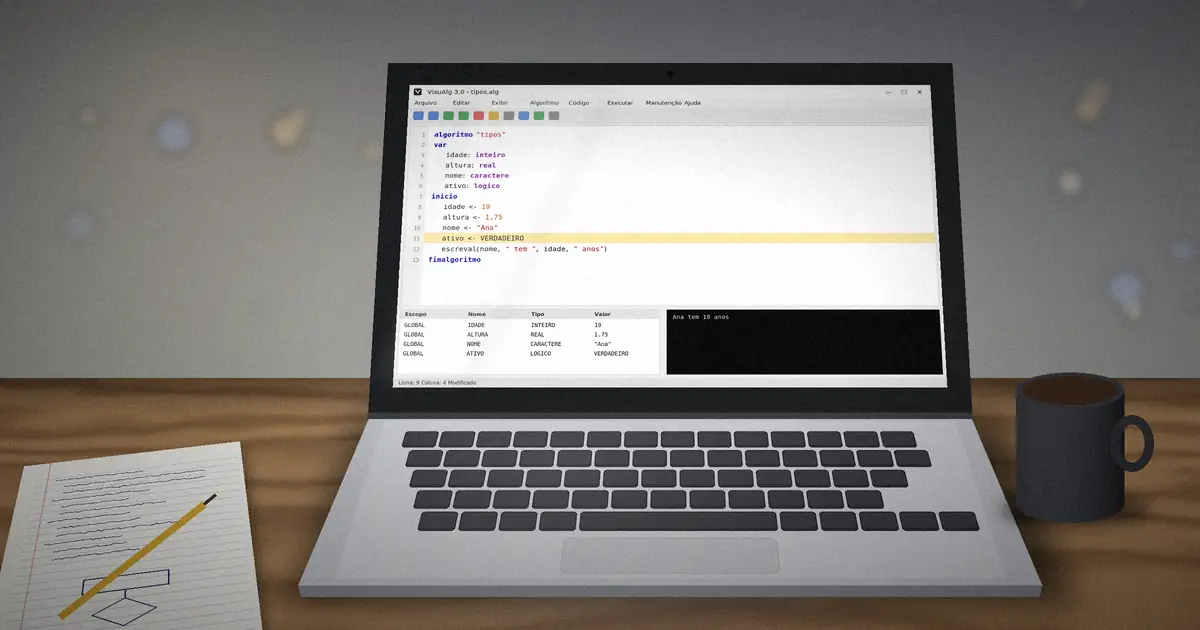
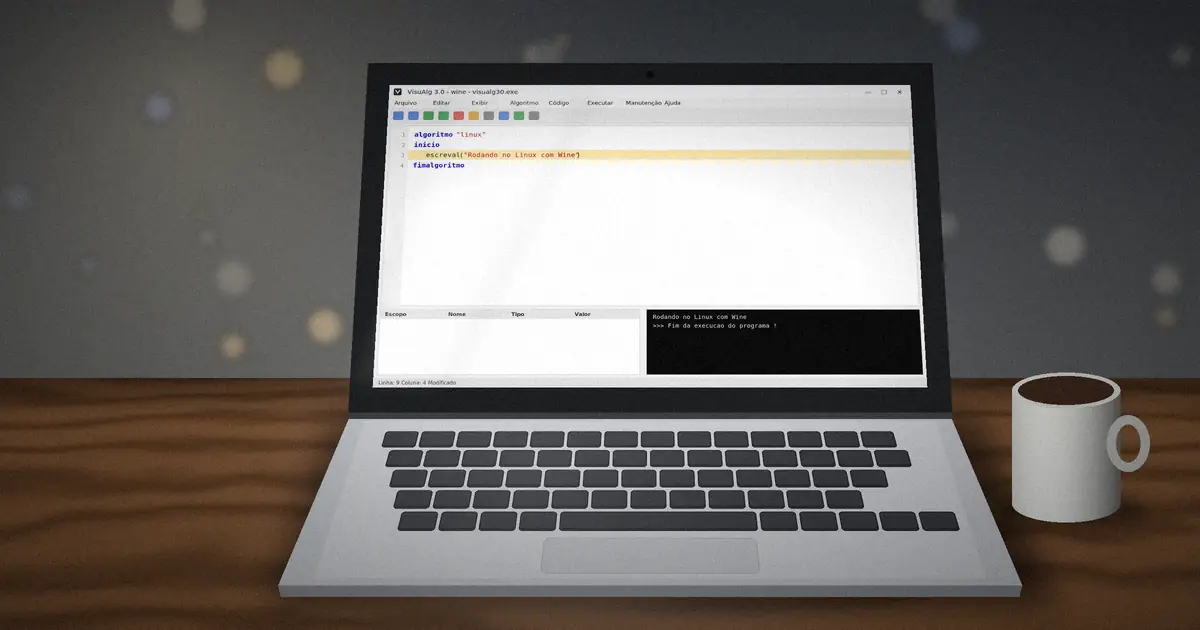
VisuAlg was written for Windows, and the author's own notes say it runs on Linux through Wine. Wine is a compatibility layer that lets many Windows programs run on Linux and macOS without a Windows license. Because VisuAlg is small and simple, it usually works well.
Linux (Ubuntu, Mint, Debian)
- Open a terminal and install Wine:
sudo apt install wine. - Download VisuAlg from our download section and extract it to a folder in your home directory.
- Go to that folder and run the executable with Wine.
cd ~/VISUALG3
wine visualg30.exe
Replace the file name with the exact name of the executable in your folder. On Fedora use sudo dnf install wine; on Arch use sudo pacman -S wine.
macOS
Recent macOS versions do not run 32-bit Windows programs natively. Your options are:
- Wine-based apps: install a maintained Wine build, for example through Homebrew, then run the executable with it.
- Virtual machine: run a Windows virtual machine and install VisuAlg inside it. This is the most reliable route, especially on Apple Silicon.
Fixing common Wine issues
- Fonts look tiny or blurry: run
winecfgand raise the screen resolution (DPI) in the Graphics tab. - Skins do not load: copy the
Skinsfolder to~/.wine/drive_c/Skins, which is the Wine equivalent ofC:\Skins. - Accented characters break: start Wine with a UTF-8 locale or avoid accents in identifiers.
Browser-based alternatives
Several open-source projects re-implement the VisuAlg dialect so it runs in a web browser on any operating system, including Chromebooks and tablets. They follow VisuAlg 3.0 behaviour closely, though small differences can exist, so test exam-style exercises in the original program when it matters.
Moving files between systems
VisuAlg saves algorithms as plain text with the .alg extension. You can edit them in any text editor, keep them in a cloud folder and open them on Windows at school and on Linux at home.
wine with the full path to the executable, and VisuAlg will open with one click like a native app.Back to basics? Start again from installing VisuAlg on Windows or browse all guides.